India OTP counter · +91
Sign in to Ai000 with one SIM and one pass
Stay on the registered Indian number, wait for the newest SMS, and type it once. Do not hop Wi-Fi mid-OTP.
Ai000Live

DownloadOTPUPI
Visual walkthrough
Ai000 Login and Recovery Screen Examples
Treat these screenshots as layout references only; always follow the current prompts and account directions shown on your phone.

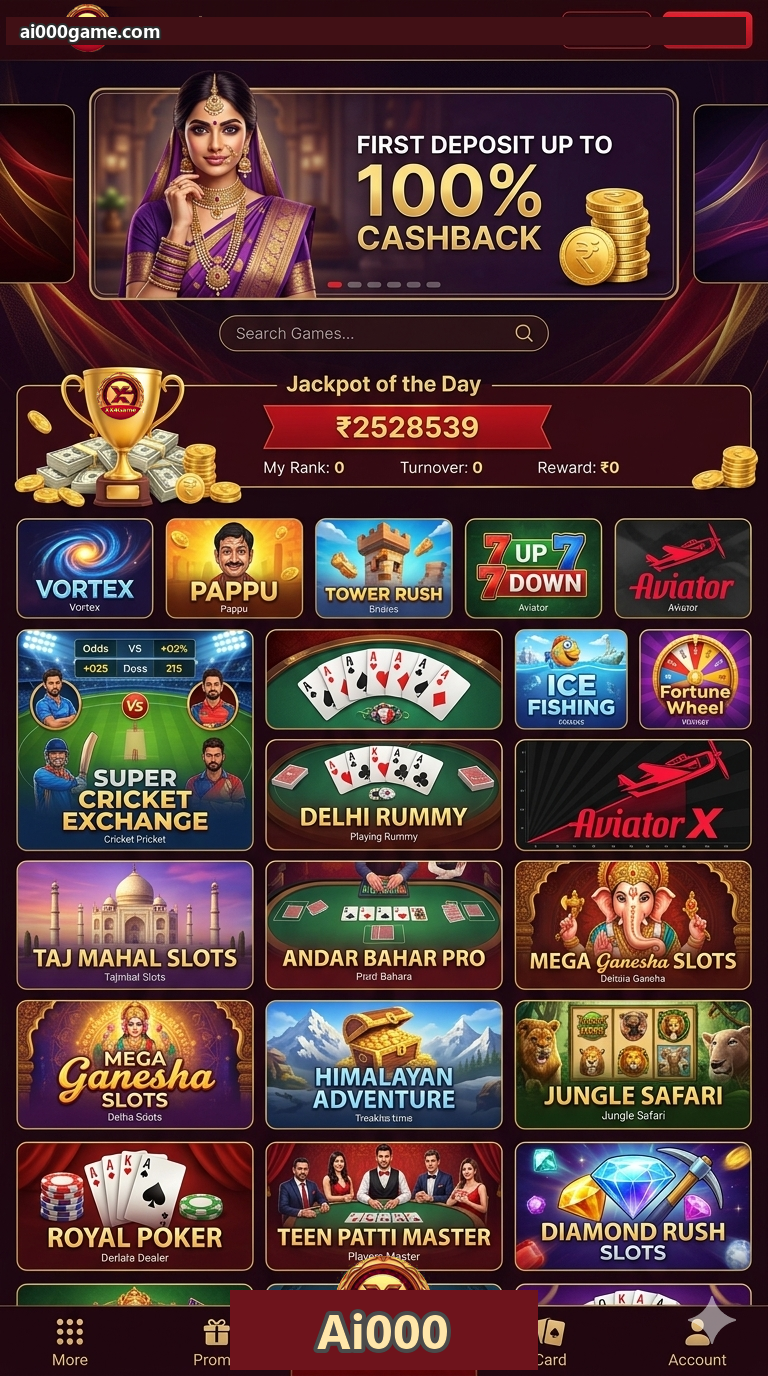

One SIM owns the trayOTP and UPI should use the same +91.
Newest SMS onlyOld codes die. Do not stack requests.
Password managers lieClear a stale saved password before recovery.
No OTP in chatThis hub never asks you to paste the pass.
Counter checks
Fix the number before you ask another OTP
Most India lockouts start with a missing +91, Caps Lock, or a Wi-Fi drop while SMS is travelling. Check those four items, then wait a full minute.
- Confirm the +91 you registered
- Let the current OTP window end
- Check SMS filter and signal
- Use in-app recovery, not a stranger chat
Keep the pack on this hub
Next India step on Ai000
India phone checks
Fast answers before you tap Download
Why is the OTP late?
Congestion, SMS filters, or stacked requests. Wait, then send one more.
Password rejected?
Check keyboard language and saved entries. After two careful tries, use the official reset on the Ai000 screen.
Reinstall to fix login?
Only if the pack is corrupt. A wrong password will survive a reinstall.